
Find scripts.
For your games.
Explore Roblox script libraries, compare features and requirements in one searchable catalog.




Your next discovery starts here. Find your game, compare script features and explore the requirements that matter to you.
About the catalog →Featured game libraries








Scripts for featured games
Explore listings from our featured game libraries, with features and requirements to compare.

Restaurant Tycoon 3 AutoBuild & Collect
This Restaurant Tycoon 3 listing names three categories: building, collection and upgrades. Its short description does not explain blueprint input or a full service cycle, so it provides a scope comparison rather than a detailed construction guide.

Axon DTI — Money, Voting & Outfit Tools
Axon describes money collection, theme voting and wardrobe controls for Dress To Impress. Compare its local outfit saving and native outfit-slot claims with its separate reward categories.

Blox Fruits Fruit Notifier & Auto Stats — Source Review
Read the source notes for a Blox Fruits fruit-notifier and auto-stats listing. Compare its short feature description, key requirement and imported mobile claim.

RIVALS Aimbot, ESP & Misc Menu — Source Review
Read the RIVALS Aimbot + ESP + Misc source notes, including its menu shortcut, linked executor and the creator’s movement-feature caveats.

Tempo’s Hub for 99 Nights — Camp & Resource Source Review
Compare Tempo’s Hub’s 99 Nights camp, crafting and rescue claims. Read the Discord step, loader disclosure and limits of its reported compatibility.
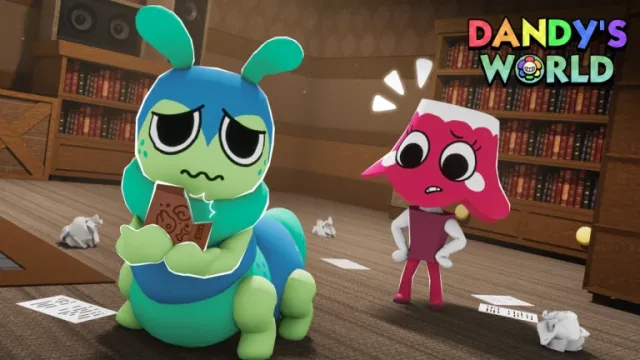
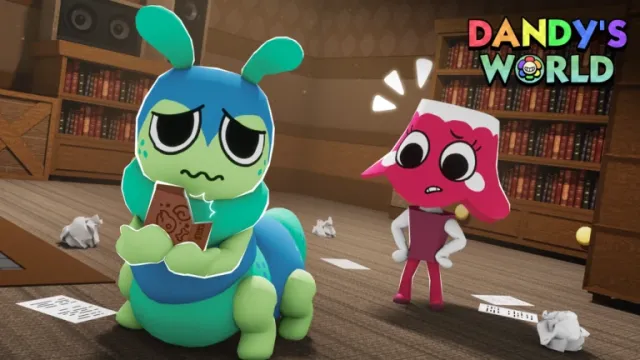
Project Stark — Dandy's World Source Review
Project Stark's description separates monster, item and generator displays and supplies customization details. Those settings offer a more useful comparison than a feature count alone.
Explore executor information
 Source-listed
Delta
Explore listed platforms, source links and related script entries.
View executor Source-listed
Wave
Explore listed platforms, source links and related script entries.
View executor Source-listed
Volt
Explore listed platforms, source links and related script entries.
View executorStart with the information
that matters.
Choose a game, compare an entry’s requirements and explore its feature guide.
How the catalog works ↗- 01
Find your game
Open a dedicated library or search the full catalog.
- 02
Compare requirements
Check platforms, key systems and available feature descriptions.
- 03
Explore the full listing
Read the feature guide, key requirements and update notes.