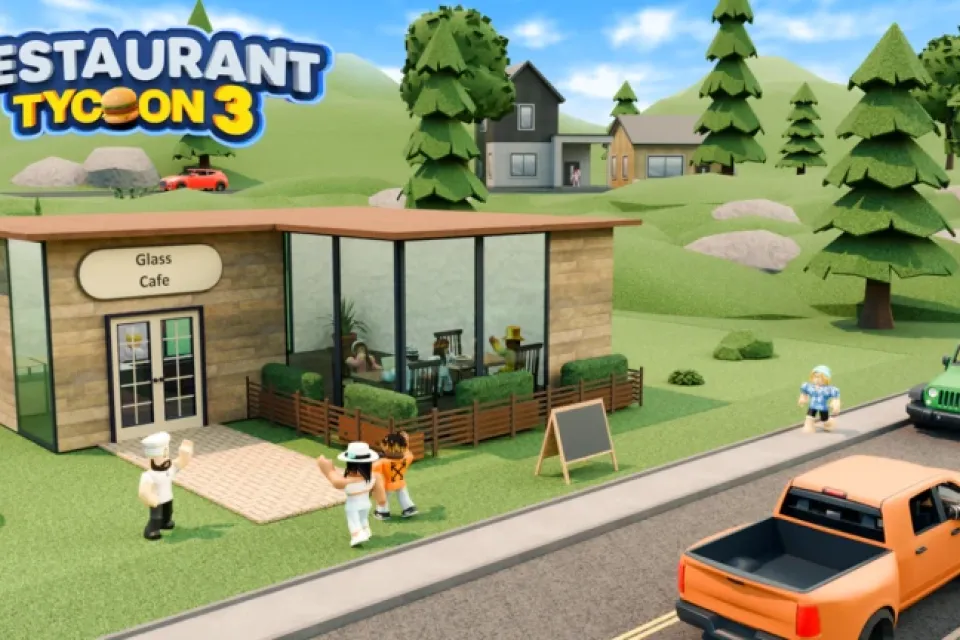
Restaurant Tycoon 3 is Ultraw’s restaurant-building experience. Serving customers, preparing dishes and upgrading a restaurant are separate parts of its loop. This landing page is tied to the third game’s primary Roblox place; a Restaurant Tycoon 2 listing should not be assumed to support it.
The selected sources illustrate two different scopes. AutoBuild, AutoCollect & More names building, collection and upgrades, but does not describe a blueprint format or construction rules. Auto Cook Script names food orders, ingredient collection and staff management. Our connected reviews explain that difference without turning a short feature list into a complete operating guide.
Building and cooking need different evidence
For an auto-build listing, look for the source’s description of layout input, placement constraints, required funds and progress recovery. For a cooking listing, distinguish preparation from customer service and ingredient collection. A statement about one step does not establish a complete unattended restaurant cycle.
Game updates and built-in progression
The official game description includes restaurant upgrades and offline earnings. Those built-in systems are separate from a third-party automation claim. An old listing that mentions collection may not address newer upgrades or delivery features; the source should name its supported scope rather than relying on an update tag in its title.
Is Restaurant Tycoon 3 the same target as Restaurant Tycoon 2?
No. This page identifies the third gameʼs primary Roblox place. A source for Restaurant Tycoon 2 is not assumed compatible with its building, cooking or collection systems.
This Restaurant Tycoon 3 listing names three categories: building, collection and upgrades. Its short description does not explain blueprint input or a full service cycle, so it provides a scope comparison rather than a detailed construction guide.
This source groups food-order handling, ingredient collection and staff management. It differs from the selected building listing by concentrating on restaurant operations rather than layout input.
Explore Auto farm, Teleport. View the script for features and requirements.
Mobile-readyNo key systemFree
A FEW THINGS TO KNOW
Choosing a Restaurant Tycoon 3 script
Understand the labels before opening an entry.
How do I find a script that fits my game?+
Start with this game’s selected listings, compare the feature descriptions and check key, platform and access requirements. Use the filters to narrow the full catalog.
What is a script key system?+
Some scripts require a separate key from their creator before use. That is different from an executor software license. Check the individual entry for its requirements.
How do I choose a platform?+
Choose your device platform to narrow the listings, then open a script to check its individual executor requirements. Mobile-ready is a separate listing label; not every entry has platform details.
What does the listing update date mean?+
The date refers to the creator’s script listing. Check its feature and access notes for changes. Game updates and listing updates can happen at different times.