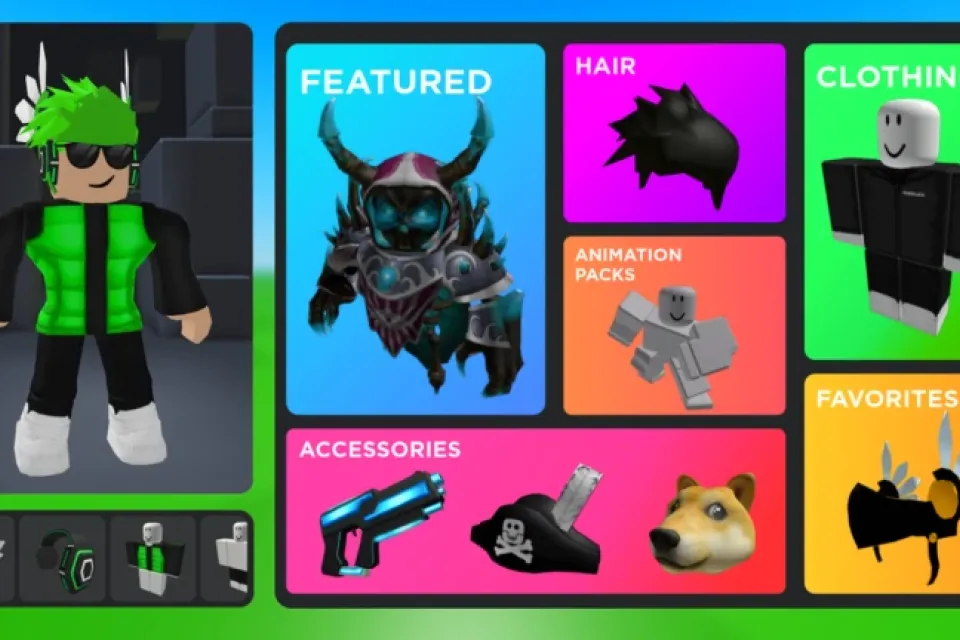
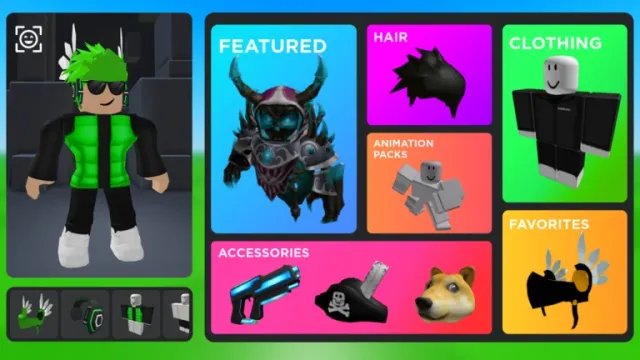
Catalog Avatar Creator lets players try catalog items, browse outfits and create looks using its own tools. This page concerns Muneebʼs primary experience. A script search can mean copying an appearance, viewing an outfit or adding a local effect; these should not be confused with buying an item for a Roblox account.
The selected open-source CAC listing names forced outfit viewing and copying an appearance. Its connected review records this narrow purpose rather than treating every avatar-related entry as a complete outfit manager. A visual-effect alternative was kept outside selection because its loader address could not be resolved.
Outfit information and visual effects
The CAC description is brief and does not explain a purchase workflow, saved account inventory or entitlement in other experiences. The two named functions concern viewing an appearance. Neither provides evidence of catalog-item ownership.
An open-source label describes the creatorʼs presentation of the code. It does not establish which game updates, interface states or executors have been tested. Mobile-ready and no-key flags are source claims that remain visible in the individual reviews.
Use the gameʼs native tools as a comparison
For trying accessories or saving a look inside the experience, first identify what the built-in outfit tools already do. A third-party description should explain its additional scope. A vague performance or update claim is not a substitute for a named function.
Does copying an outfit buy its items?
No purchase is established by the selected descriptions. Trying a look and buying catalog items are different actions. The official game description distinguishes purchases that become available in the account inventory from simply previewing an avatar.
This Catalog Avatar Creator listing names forced outfit viewing and copying an appearance. It gives a closer outfit-related scope than a visual-effect listing, without establishing item ownership.
This is a narrowly described visual-effect listing linked to Catalog Avatar Creator. Its source is not an outfit-import, ownership or catalog-purchase guide.
This Catalog Avatar Creator listing names forced outfit viewing and copying an appearance. It gives a closer outfit-related scope than a visual-effect listing, without establishing item ownership.
Explore this Catalog Avatar Creator script’s features, access requirements and game details.
Mobile-readyNo key systemFree
A FEW THINGS TO KNOW
Choosing a Catalog Avatar Creator script
Understand the labels before opening an entry.
How do I find a script that fits my game?+
Start with this game’s selected listings, compare the feature descriptions and check key, platform and access requirements. Use the filters to narrow the full catalog.
What is a script key system?+
Some scripts require a separate key from their creator before use. That is different from an executor software license. Check the individual entry for its requirements.
How do I choose a platform?+
Choose your device platform to narrow the listings, then open a script to check its individual executor requirements. Mobile-ready is a separate listing label; not every entry has platform details.
What does the listing update date mean?+
The date refers to the creator’s script listing. Check its feature and access notes for changes. Game updates and listing updates can happen at different times.