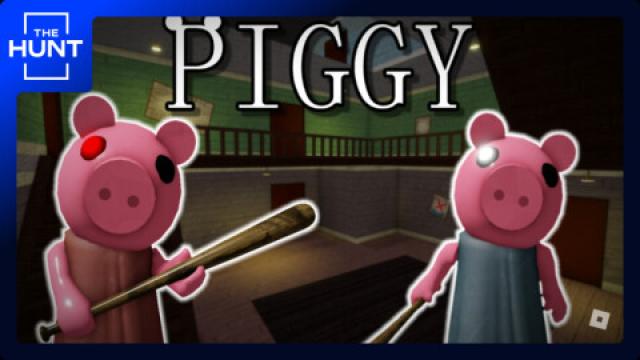
Piggy is an escape experience where finding an item, carrying it and using it in the right place are different tasks. This page concerns Piggy Dev Teamʼs primary experience and compares source descriptions for escape claims, entity overlays and movement tools.
The selected escape-and-item-ESP listing names three categories but gives little information about individual interactions. MunkeHub instead lists overlays, noclip, farming and infinite jump. These recent source records provide a comparison of different scopes, with their original descriptions and update dates available on the connected pages.
Item ESP and automatic escape are different claims
An item overlay describes identifying an object. It does not establish that a source knows where to use the object, which inventory slot it occupies or whether a puzzle prerequisite is complete. A broad AutoEscape label also does not document every chapter or mode.
For a specific task, look for a description that names the item interaction and supported context. Neither selected source gives a complete chapter-by-chapter solution, so the review does not infer one from the title.
Compare movement and access requirements
MunkeHub marks mobile-ready and no-key access. The escape listing also marks no-key access but leaves mobile support unspecified. These flags report the sourceʼs claims; they do not establish a compatibility test. A movement setting is separate from solving an escape objective.
Do these listings support every Piggy chapter?
The available descriptions do not establish that. A season tag can identify the creatorʼs context, but it is weaker evidence than a list of supported maps, items and modes. Check the individual source rather than assuming that all chapters share the same interactions.
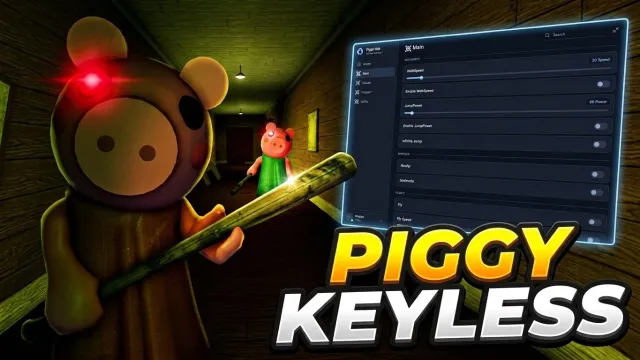
This Piggy listing names escape automation and item ESP, but its description supplies little task detail. Compare that narrow description with MunkeHubʼs movement and overlay categories.
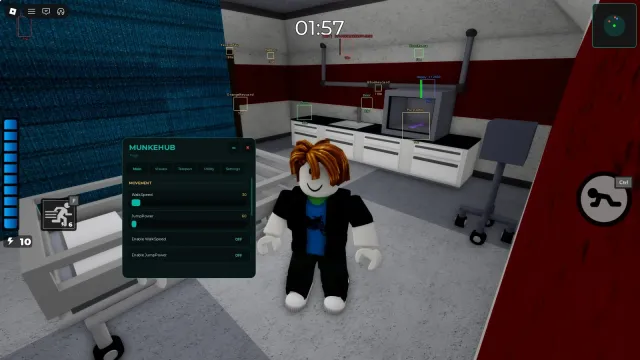
MunkeHub lists noclip, ESP, farming and infinite jump. Its source marks mobile-ready and no key, while leaving specific chapters, objectives and controls unspecified.
Jaguar Hub explicitly identifies the primary Piggy place and distinguishes item viewing, travel and grabbing. Its settings-oriented description is useful, but its January 2025 source date is historical.
Explore this Piggy [THE HUNT] script’s features, access requirements and game details.
Mobile-readyKey requiredFree
A FEW THINGS TO KNOW
Choosing a Piggy script
Understand the labels before opening an entry.
How do I find a script that fits my game?+
Start with this game’s selected listings, compare the feature descriptions and check key, platform and access requirements. Use the filters to narrow the full catalog.
What is a script key system?+
Some scripts require a separate key from their creator before use. That is different from an executor software license. Check the individual entry for its requirements.
How do I choose a platform?+
Choose your device platform to narrow the listings, then open a script to check its individual executor requirements. Mobile-ready is a separate listing label; not every entry has platform details.
What does the listing update date mean?+
The date refers to the creator’s script listing. Check its feature and access notes for changes. Game updates and listing updates can happen at different times.