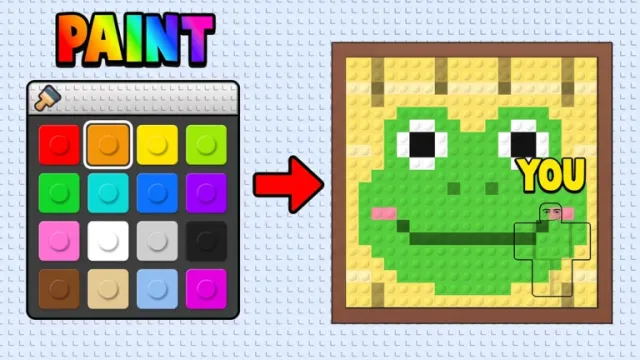
Blend Better with Hide In Pixels Universal ScriptTurn every giant pixel-art painting into your hiding spot with a streamlined toolkit for Roblox's colorful party showdown. Match your character block by block, refine your camouflage, and stay focused through each head-to-head round.Tools for Pixel-Perfect HidingPixel Color Picker: Select reference colors to help coordinate your character with the surrounding artwork.Palette Presets: Keep useful color combinations ready for your next camouflage design.Character Preview: Review your block-by-block color choices before settling into your hiding position.Position Fine-Tuning: Make small placement adjustments to align your character with the painting.Freeze Toggle: Switch into a stationary pose once your camouflage is ready.Round Tracker: Keep the first-to-two format and your current round score in view.Compact Menu: Organize your hiding tools without cluttering the artwork.Sample Keybind Layout[RightShift] - Toggle Menu[C] - Open Color Picker[P] - Show Palette Presets[V] - Toggle Character Preview[F] - Toggle FreezeMade for Colorful CompetitionFrom quick public matches to friendly private-server showdowns, this universal script concept centers on the mechanics that make Hide In Pixels unique: creative camouflage, careful positioning, and tense hide-and-seek rounds.Match the painting. Hold your pose. Blend into the pixels.