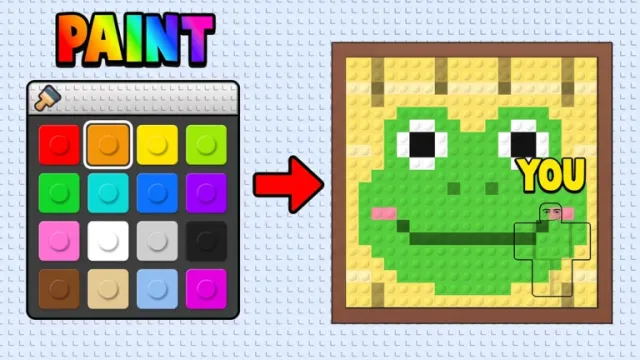
Blend In. Stay Still. Win the Pixel Showdown.Bring a sharper toolkit to Hide In Pixels, the Roblox party game where every block of color matters. This universal script concept pairs quick-access controls with visual utilities for pixel-art hide-and-seek and first-to-two round battles.A Toolkit for Pixel CamouflageOpponent ESP: Keep opponent positioning in focus during head-to-head searches.Camera Zoom Controls: Adjust your view to study the painting and compare your character with nearby colors.Movement Speed Controls: Fine-tune your positioning before settling into your hiding spot.Freeze Toggle: Stop accidental movement once your camouflage is ready.Visual Effect Controls: Keep the artwork in focus with options for reducing distracting screen effects.Compact Universal Menu: Organize visual and movement tools in a clean, easy-to-navigate interface.Sample Keybinds[RightShift] - Toggle Menu[E] - Toggle Opponent ESP[F] - Toggle Freeze[Z] - Cycle Camera Zoom[V] - Toggle Visual ControlsMade for Colorful CompetitionStudy each giant pixel painting, line up your hiding position, and keep your character still as your opponent searches. Whether you enjoy quick public matches or friendly private-server showdowns, this toolkit concept keeps the focus on camouflage, visibility, and precise positioning.