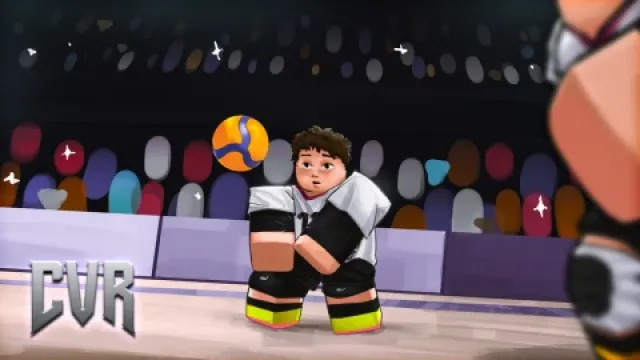
Take Control of the Court in CVR: RetroBring a streamlined universal script interface to [🌎UPD 8] CVR: Retro, the Roblox volleyball experience by Certified Studios. Organize your movement tools, camera preferences, and control references around fast rallies, powerful serves, and well-timed blocks.A Volleyball-Focused SetupKeep the focus on receiving, setting, spiking, and blocking with a compact menu designed for quick adjustments between points. Save interface preferences and keep essential volleyball controls within easy reach.Feature HighlightsUniversal Dashboard: Access movement settings, camera options, and interface preferences from one menu.Movement Presets: Organize custom movement settings for court navigation and practice sessions.Camera Customization: Adjust your viewing preferences for a clearer perspective during rallies.Power Control Reference: Keep Q/E power adjustments visible while practicing serves and attacks.Action Reference Panel: Review receiving, diving, setting, and aerial attack controls at a glance.Quick Interface Toggle: Hide the dashboard to keep your view focused on the ball.Menu Keybinds[RightShift] - Toggle Menu[F6] - Toggle Control Reference[F7] - Cycle Camera Presets[F8] - Minimize DashboardCVR: Retro Default Controls[G] Spawn Ball • [V] Basic Serve • [T] Sprint[Q/E] Adjust Power • [F/R] Set Forward/Backward[3] Dive • [1] Toggle Spiking/Blocking While Jumping[Click] Receive on the Ground or Spike While Jumping in Spiking ModeA clean, volleyball-centered universal script layout for your next CVR: Retro session.