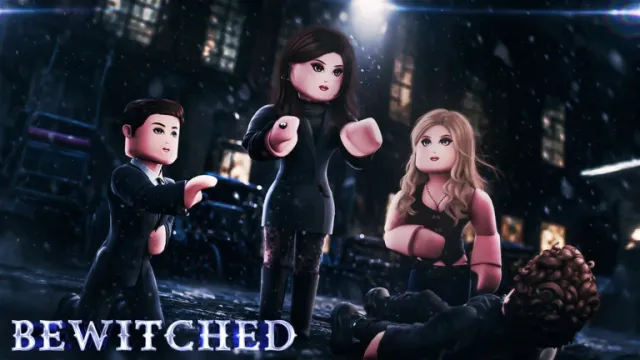
Bewitched Universal ScriptKeep your action-focused setup organized with a streamlined universal menu for Roblox Bewitched. Access targeting controls, visual tracking options, and interface presets without digging through a cluttered dashboard.Action-Focused FeaturesAimbot Controls: Configure targeting preferences, aim smoothing, and field-of-view settings.ESP Options: Customize player overlays with names, distance indicators, and adjustable colors.Hitbox Settings: Manage hitbox preferences through dedicated sliders and toggles.Visual Filters: Choose which overlays appear to keep your screen focused on the action.Quick Presets: Organize preferred settings for convenient access between sessions.Minimal Interface: Hide the dashboard when you want a clearer view.Example Keybind Layout[RightShift] - Toggle Menu[E] - Toggle Aim Assist[V] - Toggle ESP[H] - Toggle Hitbox Controls[F6] - Switch Visual PresetA Cleaner Bewitched SetupBewitched's official description highlights graphics quality and optimization settings for managing lag. Pair a minimal overlay layout with your preferred in-game graphics settings to reduce visual clutter as you explore this evolving Roblox action game.