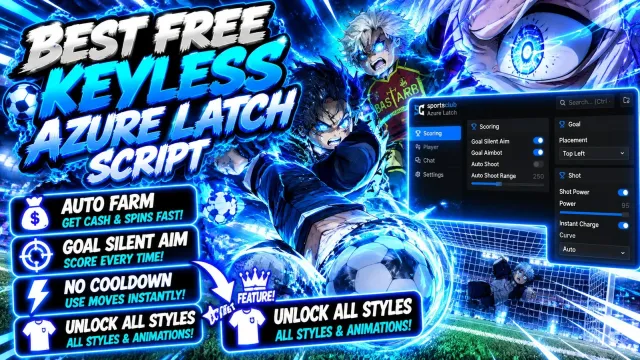
Take Control of the Pitch in Azure LatchBring your match tools together with a universal script interface tailored to Azure Latch's fast-paced Roblox soccer action. Keep the focus on shooting, dribbling, tackles, and goalkeeper positioning with a streamlined menu designed around competitive football.Match-Focused FeaturesShot Aim Assist: Adjust targeting preferences for M1 shots and attacking opportunities.Hitbox Visualization: Display interaction boundaries to help judge tackle distance and close-range contests.Player ESP: Highlight player positions for a clearer view of passing lanes and defensive coverage.Ball Tracking: Keep the ball easy to locate during crowded challenges and quick transitions.Movement Controls: Organize movement settings around dribbling, lateral dashes, and defensive recovery.Goalkeeper View: Access camera preferences focused on goal coverage and dive positioning.Quick Settings: Manage overlays and interface preferences without cluttering your match view.Menu Keybinds[RightShift] - Toggle Menu[F6] - Toggle Player ESP[F7] - Toggle Ball Tracking[F8] - Toggle Hitbox Visualization[F9] - Open Aim SettingsBuilt Around Azure Latch ControlsKeep familiar inputs central to your play: M1 for shots, 1–5 for skills, Q for tackles, lateral dashes, and goalkeeper dives, E for dribbling with the ball, and R for the whistle. Dedicated menu shortcuts keep interface tools separate from these core match controls.