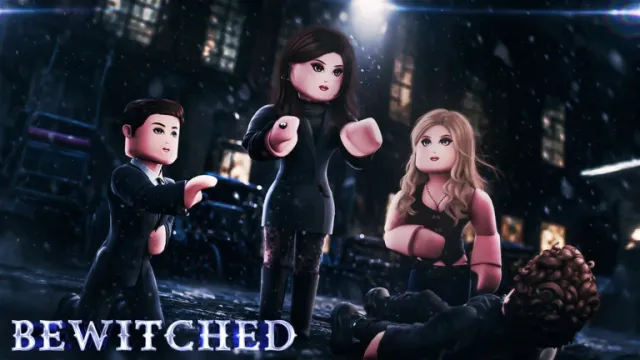
Customize Your Bewitched ExperienceExplore an action-focused setup with the Bewitched Universal Script, bringing targeting controls, visual overlays, and movement options into one organized menu. Adjust your preferred settings and build a layout that keeps essential controls within reach.Feature HighlightsAim Controls: Customize targeting preferences with adjustable field-of-view and smoothing options.ESP Overlays: Configure player labels, distance indicators, and outline styles for clearer visual tracking.Hitbox Settings: Access hitbox adjustment controls through a dedicated menu section.Movement Options: Organize speed and jump preferences alongside your other action settings.Visual Customization: Toggle individual overlays to keep your screen focused on the information you want.Universal Menu: Manage targeting, visuals, and movement from a single interface.Example Keybind Layout[RightShift] - Toggle Menu[Q] - Toggle Aim Controls[E] - Toggle ESP[H] - Open Hitbox Settings[V] - Toggle Visual OverlaysKeep Your Setup StreamlinedBewitched's official description recommends lowering graphics quality or enabling optimization settings when experiencing lag. Pair those in-game options with a minimal overlay layout for a less cluttered experience.An organized universal toolkit concept for players who prefer configurable controls in Roblox action games.