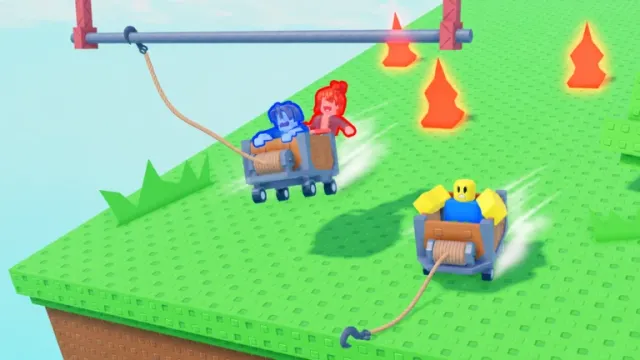
[1 & 2 PLAYER] Grapple Cart Obby Universal ScriptKeep your next finish in sight with an obby-focused toolkit built around movement and obstacle navigation. Whether you prefer solo runs or two-player sessions, explore a streamlined menu featuring Auto-Win, Fly, and Noclip controls for your Roblox platforming experience.Obby-Focused FeaturesAuto-Win: Access a finish-focused shortcut from the main menu.Fly Mode: Take control of aerial movement to navigate gaps and approach tricky platform sections.Noclip: Move through obstructing geometry instead of navigating around it.Walk Speed Control: Adjust your movement pace for quick traversal or more measured approaches.Jump Adjustment: Customize jump height for platform-to-platform movement.Quick Menu: Keep movement options organized in one compact interface.Example Keybind Layout[RightShift] - Toggle Menu[F] - Toggle Fly[N] - Toggle Noclip[G] - Activate Auto-Win[R] - Reset Movement SettingsA focused universal script layout for players looking for Grapple Cart Obby movement tools, obstacle shortcuts, and accessible controls.