Join Discord for script ╭─────────────────────────────────────╮
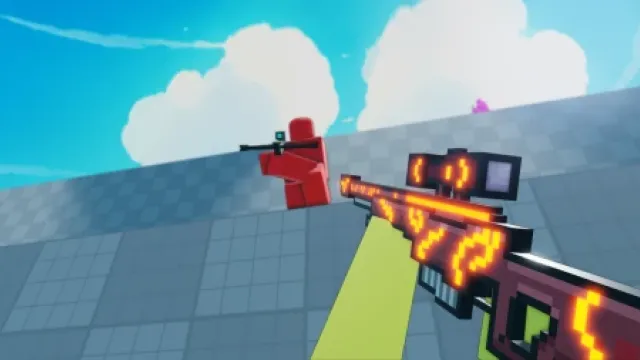
FPS FLICK ╰─────────────────────────────────────╯ 🔥SOME LISTED FEATURES BELOW🔥 1. Combat Suite Aim Assist: Targets the head, neck, or torso with customizable FOV radius and adjustable prediction strength to track moving targets. Smoothing: A dedicated smoothing value to ensure camera movement remains fluid and human-like. Advanced Checks: Optional Team Check (to avoid targeting allies) and Visibility Check (to ensure you aren't firing through walls). 2. ESP & Information Master Control: A global toggle to turn all ESP features on or off instantly. Visual Elements: Includes bounding boxes, nametags, tracer lines (tracking from screen center), and dynamic health bars. Customization: Fully customizable colors for both enemies and allies. Optimization: Configurable distance limits so the ESP doesn't render targets too far away. 3. Movement & Physics Speed & Jump: Overrides for walk speed and jump power, allowing for vertical and horizontal movement boosts. Noclip: Bypasses all workspace collisions to move through walls and objects. Flight: A suspension-of-gravity mode with customizable thrust vectors for smooth air movement. 4. RTX Visual Engine Cinematic Lighting: Injects advanced post-processing effects like Sun Rays, Depth of Field, Color Correction, and Motion Blur. Texture PBR: Modifies material properties (gloss, transparency) to give a high-fidelity look to game assets. Environment Effects: Dynamic cloud density and cover controls to alter the atmosphere of the map. 5. Utility & Customization Cloud Configs: Export your entire UI setup and keybinds to your clipboard to save or share them, and import them back with a single click. Draggable Interface: