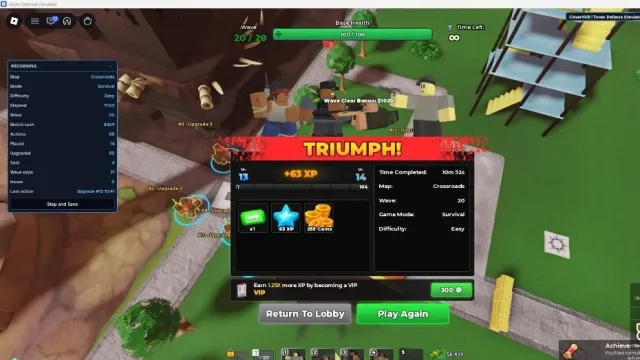
TDS Scenario Player: record a match once, replay it automaticallyRecord yourself playing a Tower Defense Simulator match, and the script replays it in later matches: same towers, same spots, same upgrades and wave skips, matched to the original timing.FeaturesRecord & replay: captures tower placements, upgrades and wave skips while you play, then replays them in later matches.Auto pre-game: votes for the recording's map (uses the map override on VIP/private servers) and readies up for you.Loop mode: after each match it presses Play Again and replays, so it can farm match after match.Remembers your setup: your last scenario and the loop setting stay saved between runs.Safe checks: confirms every placement and upgrade worked and retries if not, and won't replay on the wrong map.Clean UI: live status (current step, wave, time), a picker for saved recordings, and a built-in console.How to useExecute the script and enter your key.In the Record tab, start recording on the map screen, play a match, then stop.In the Play tab, pick the recording, optionally turn on Loop matches, and press Run on the map screen.Key: free, lasts 24 hours on one device. Press Get key in the script.