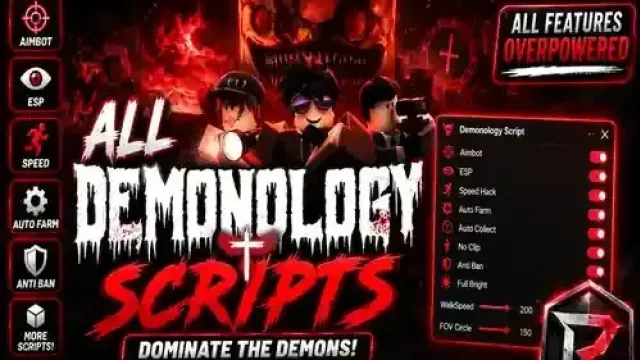
Script for Demonology is a powerful utility hub designed to enhance movement, visibility, and overall gameplay convenience. Featuring a clean Ghost Exploits GUI and a variety of advanced tools, it allows players to explore maps more efficiently and improve their investigation experience with responsive and optimized performance.FeaturesEverything ESP – highlights important objects, players, evidence, and other useful entities across the map.Loop Fullbright – continuously keeps the environment fully illuminated for maximum visibility.Loop WalkSpeed – maintains your selected movement speed automatically.WalkSpeed Slider – lets you customize your character's walking speed with a simple slider.NoClip – allows you to pass through walls and other solid objects.Fly Mode – enables free flight for fast and unrestricted movement.Fly Speed Slider – adjusts flight speed to match your preferences.Smooth Execution – provides stable and responsive script performance.Modern GUI – features a clean and easy-to-use interface for quick access to all options.Optimized Performance – designed to minimize lag while running multiple utilities simultaneously.How to useOpen your preferred Roblox executor.Launch Roblox and join Demonology, then wait until the game has completely loaded.Copy the script code provided on this page.Paste it into your executor and execute the script.Wait for the GUI interface to appear in-game.